An AI-powered inpainting photo editing tool
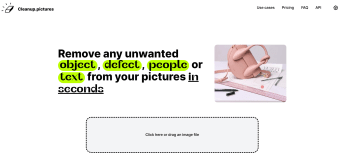
Cleanup.pictures is an AI photo editor that removes objects, people, text, and defects from images. It enables photographers, online retailers, influencers, and the general public to improve their photos. However, unlike Fotor Photo Editor or Adobe Photoshop, this tool specializes in inpainting rather than close stamping.
Top Recommended Alternative

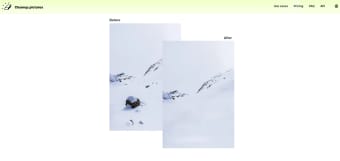
Its AI-powered inpainting retouch technology doesn’t need a background reference, as a clone stamp tool does. Instead, it guesses the right background and removes any text, object, or people obstructing it in only a few clicks. This enables even amateurs to correct photo flaws more quickly than professionals who use conventional tools.
How does it work?
Users can import and edit images and masks of any size online by uploading them to their Cleanup.pictures account. Exports are limited to 720p resolution for the free version users, whereas Pro version users have no size limit.
Is it mobile-friendly?
This desktop tool is also available on mobile devices. Android and iOS users can enjoy all the features of this AI inpainting tool on their smartphones by accessing the Cleanup.pictures website remotely. However, there is also an iOS and Android app version called ClipDrop that facilitates photo cleanup on mobile phones.
Is it free?
Cleanup is free for photos under 720p. Processing high-resolution images with a built-in editor and an upscaler will require a monthly subscription. The full-featured, HD-quality version also comes with a free trial.
Could revolutionize Amazon listing optimization
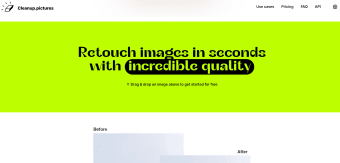
Cleanup removes unwanted text, logos, watermarks, objects, backgrounds, and people from photos. Drawing slightly over the edges of an item offers the best possible results, often with amazing accuracy. The main issue with this tool is that it doesn’t enforce any restrictions on users who don’t own the image copyright.